The Digital Parole
Surviving the 2026 Tech Divide After Incarceration
If you were away for twenty years, you may remember paper job applications, printed maps, payphones, and walking into a business to ask for the manager. Come home in 2026 and the world asks for an app, a QR code, a password, a verification text, a patient portal, and an online account before you can finish basic tasks.
Here, “digital parole” is a metaphor—not a legal term or supervision status. It describes the practical restriction created when participation in modern life depends on technology you were never given a fair chance to learn.
What You Need to Know Now
Digital literacy is reentry infrastructure. Jobs, benefits, transportation, health care, banking, education, and housing increasingly depend on online accounts, document uploads, email, and mobile verification.
Your first goal is reliability, not expertise. A professional email account, secure recovery options, the ability to save and upload a PDF, joining a video call, and resetting a password safely cover a large share of everyday reentry tasks.
Security matters from day one. Multifactor authentication adds protection beyond a password, and unexpected job texts or recruiters asking for money or sensitive information are major warning signs.
You do not have to learn alone. Sacramento Public Library provides public computers, Wi-Fi, scanning, basic technology assistance, and some dedicated one-on-one Tech Help sessions.
The Digital Parole
Season 1 · Episode 5


Coming Home Can Feel Like Arriving in a Different Century
The technology gap is not about intelligence. It is about exposure. Someone who spent years away from rapidly changing devices and online systems can come home to a world where even basic access requires digital steps that were never part of daily life before incarceration.
The answer is not to become a computer expert overnight. It is to learn the small set of digital tasks that control the next opportunity in front of you.
The Job Search Is Now a Digital Workflow
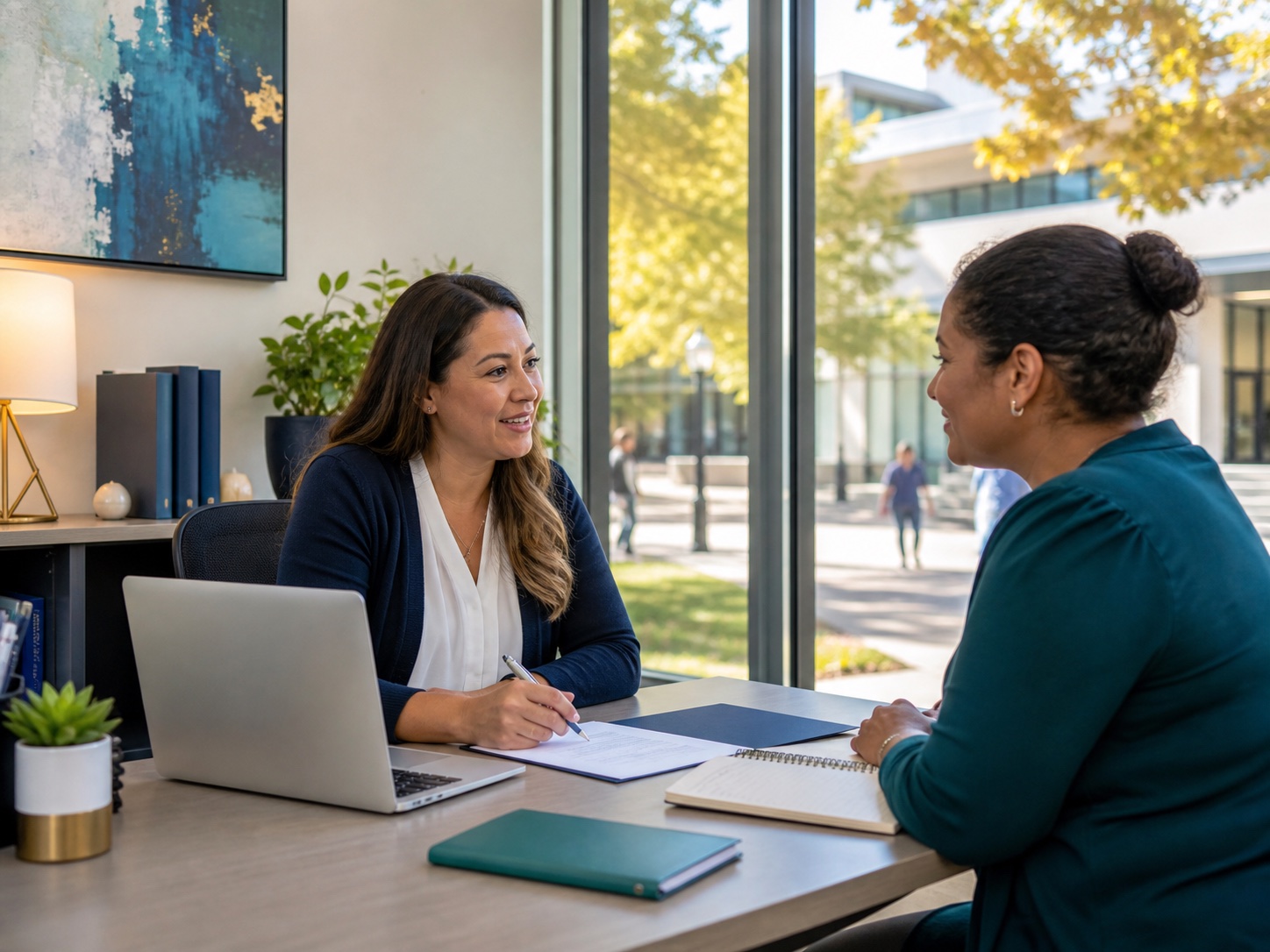
Applications are commonly submitted through online portals. Interview links arrive by email or text. Resumes are uploaded as PDF or Word files. Employers may use applicant tracking systems to organize and search application materials before a recruiter reviews them.
That does not mean one wrong font automatically gets a resume rejected. A stronger approach is straightforward: use standard headings, simple formatting, truthful keywords from the job posting, and the file format the employer requests.
Five Skills Before Fifty Apps
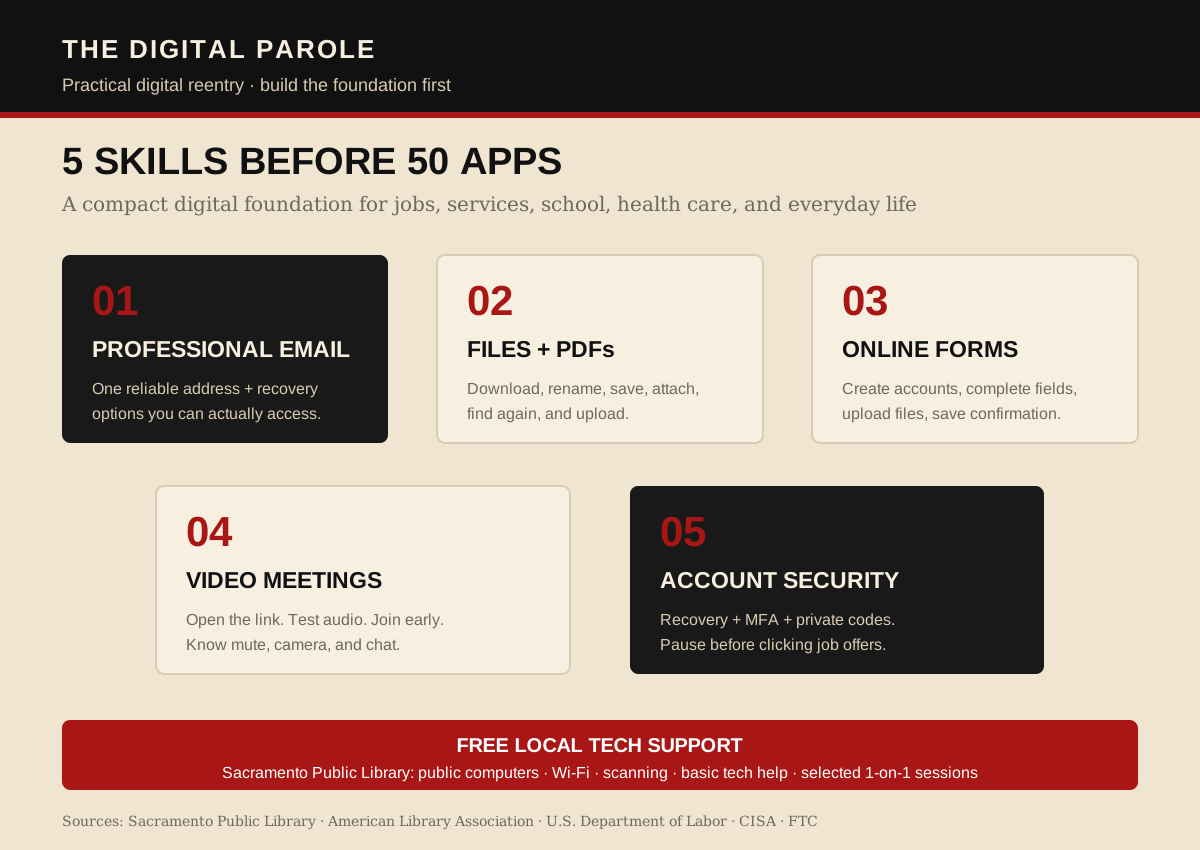
Build these five first. Once they are dependable, job applications, benefits, appointments, school enrollment, and other online systems become much easier to navigate.
Master Five Skills Before You Chase Fifty Apps
1. Professional email. Create one address based on your name. Use it consistently for jobs, benefits, school, health care, and other important accounts.
2. Files and PDFs. Learn how to download, rename, save, attach, and upload a document. Keep important files in clearly named folders so you can find them again.
3. Online applications. Practice creating an account, completing required fields, saving progress, uploading a resume, and recognizing confirmation messages.
4. Video meetings. Know how to open a meeting link, allow microphone and camera access, mute and unmute, and join a few minutes early.
5. Account security. Use recovery options and multifactor authentication. Keep verification codes private and treat unexpected job offers or requests for money as warning signs.
Use the Library as Your Technology Lab
Sacramento Public Library says all locations provide free Internet access through public computers and Wi-Fi. All locations also offer basic copy and scan services, and staff can help with common tasks such as logging onto a computer, finding a website, accessing email, saving a file, printing a document, and using common applications.
Some branches also schedule dedicated one-on-one Tech Help. Bring the phone, tablet, or laptop you actually use and ask about the task that is blocking you right now.
The American Library Association's T.E.C.H. for Reentry work makes the broader point directly: people returning from incarceration can face a distinct form of digital exclusion, and public libraries can play an important role in closing that gap.
Scammers Know the Job Search Is Digital Too
Digital access creates opportunity, but it also creates new ways to get targeted. The Federal Trade Commission continues to warn about fake recruiters and job offers sent through unexpected texts, WhatsApp, Telegram, email, and social media.
Slow down when someone offers a job you never applied for, asks you to pay money to get hired, sends a check and asks you to send money back, or requests sensitive information before a real interview and hiring process.
Six Moves to Build Digital Independence
- Create one professional email. Use it for serious accounts and check it every day during an active job or housing search.
- Turn on recovery and MFA. Add a recovery phone or email and use multifactor authentication where available.
- Build one document folder. Keep your resume, identification, certificates, references, and other commonly requested files organized.
- Practice one complete upload. Download a PDF, rename it, attach it to an email, and upload it to a practice form or trusted portal.
- Practice a video call. Test the microphone, camera, link, and mute controls before an interview or appointment.
- Use real help. When a digital task blocks you, use library staff, an American Job Center, a trusted reentry provider, or another legitimate support resource instead of guessing.
Build a Digital Routine You Can Reuse
You do not need to know every app. You do not need to understand every new device. You need enough control over the basic tools to keep technology from shutting the door before you get a chance to walk through it.
Learn the next task, repeat it until it feels normal, and save the steps that work. Once the basics become routine, technology stops being the gatekeeper it was on day one.
Sacramento Starting Point
Sacramento Public Library Tech Help: public computers, Wi-Fi, scanning, basic technology assistance, and selected one-on-one Tech Help sessions. Call 916-264-2920 for current availability. See library technology services ↗
Verified Sources & Further Reading
- Sacramento Public Library — Technology services, public computers, Wi-Fi, scanning, and tech help
- American Library Association — Expanding Information Access for Incarcerated People and T.E.C.H. for Reentry
- U.S. Department of Labor — Job seeker resources and online job search guidance
- U.S. Department of Labor — Resume Essentials Participant Guide (2026)
- CISA — Multifactor authentication guidance
- Federal Trade Commission — Job scam warnings and consumer guidance
Support Independent Reentry Media
Collateral Consequences turns complicated rules into practical information people can actually use. Your support helps fund research, production, outreach, and future reporting on the barriers that continue after incarceration.
Support Collateral Consequences on Givebutter →
With appreciation to BAVC Media for serving as the fiscal sponsor of Collateral Consequences: Freedom's Fine Print and supporting this independent media project.
Need Reentry Resources?
The Reentry Village connects people with practical resources for housing, employment, healthcare, identification, education, recovery, legal assistance, benefits, transportation, and family stability.
Collateral Consequences: Freedom's Fine Print is hosted by Larenzo and fiscally sponsored by BAVC Media.
Educational and informational content only. This article is not individualized legal, financial, cybersecurity, or employment advice. Technology, platform requirements, scams, and service availability can change. Confirm current requirements with the responsible provider or agency.